Tutorial
How to Add a 3D Product Viewer to Your Shopify Store (Without a 3D Artist)
Shopify merchants lose sales every day to flat product photos that leave customers guessing. Here is the two-minute path from a single product image to a live, embeddable 3D viewer — no modeling agency required.
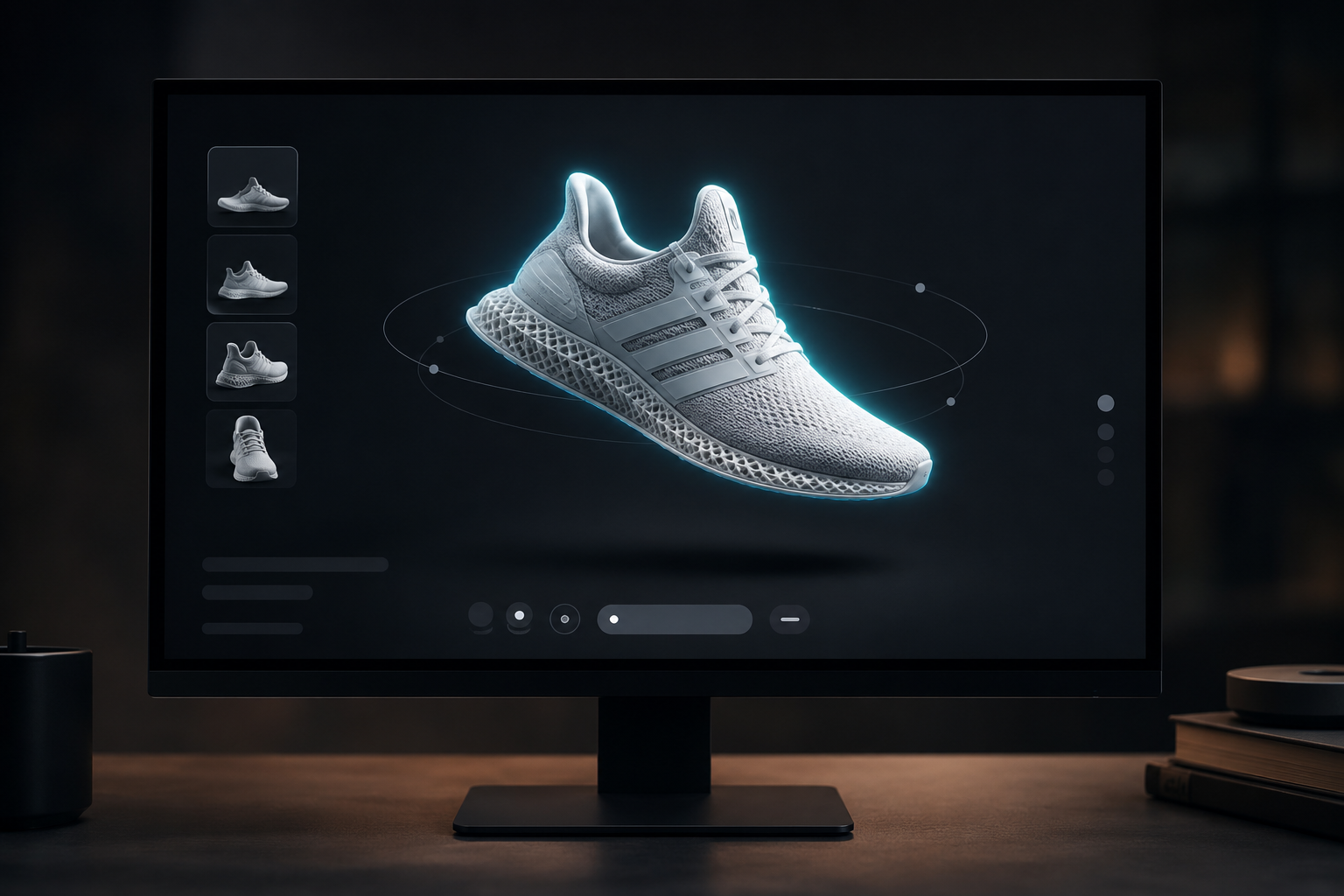
Your product photos are lying to your customers.
Not intentionally. A flat image, no matter how well lit or how many angles you shoot, cannot tell a customer how a leather bag creases when you hold it, how a sneaker sole curves, or how a ceramic bowl catches light when you tilt it. So they guess. Sometimes they buy anyway. A lot of the time they return it.
Shopify merchants lose roughly 20-30% of revenue to returns, and product uncertainty sits near the top of the reasons list. Shopify's own data shows interactive 3D viewers cut return rates by up to 40% and lift conversion rates by up to 94% compared to static images. A Threekit study put the jump in purchase intent at 64% for shoppers who actually used a 3D product tool.
Those are big numbers. The catch has always been that getting a 3D model made was expensive and slow, which is why most stores never bothered.
What it used to cost
A year ago, you had two real options.
You could hire a 3D modeling agency. Expect $500 to $5,000 per model for something production-ready with proper textures and lighting, depending on complexity. A 50-SKU catalog could run $25,000 to $250,000, before revisions (extra) and software licenses (also extra). Turnaround was three to five business days per model, so even a small catalog update could take months.
Or you could buy a dedicated Shopify 3D app and model things yourself. Unless you already know Blender or Cinema 4D, "do it yourself" usually ended up meaning hiring a freelancer anyway.
Neither option makes sense for a store with 200 products and a $2,000 marketing budget. So most merchants shrugged and kept using flat photos.
What it costs now
SphereLinks takes a standard product photo and turns it into a GLB file in about two minutes. GLB is the format Shopify's native 3D viewer uses, and it supports PBR textures, so the output actually looks like your product rather than a grey blob. You can embed it in any product page via an iframe, with no app installs and no theme restrictions.
Here is the full process, start to finish.
Step 1: Generate the model
Start with a clean product photo. White or light-grey background works best. A decent phone photo is fine as long as the product is well lit and fills most of the frame. You do not need a studio setup.
Using the dashboard
Go to spherelinks.io, sign up for a free account, upload your image, and click Generate. The dashboard shows job progress in real time. When it finishes, download the GLB directly or copy the embed URL.
Using the API (for bulk generation)
If you have a larger catalog and want to automate this, the API is straightforward. Grab your API key from the Settings page, then call /generate:
curl -X POST https://api.spherelinks.com/generate \
  -H "X-Api-Key: sk_live_your_key_here" \
  -H "Content-Type: application/json" \
  -d '{"imageUrl": "https://your-cdn.com/product-photo.jpg"}'
You get back a jobId:
{
  "jobId": "job_abc123",
  "status": "queued"
}
Poll /status/{jobId} until it returns completed:
curl https://api.spherelinks.com/status/job_abc123 \
  -H "X-Api-Key: sk_live_your_key_here"
{
"jobId": "job_abc123",
"status": "completed",
"downloadUrl": "https://cdn.spherelinks.io/models/job_abc123.glb"
}Download the GLB and upload it to Shopify's file manager (Admin > Content > Files), or reference the CDN URL directly in your embed.
Step 2: Embed it in the product page
The direct approach: in the Shopify theme editor, open your product template and add an HTML block with this:
<iframe
  src="https://spherelinks.io/embed/job_abc123"
  width="100%"
  height="500"
  style="border: none; border-radius: 8px;"
  allow="fullscreen"
  allowfullscreen
></iframe>
Replace job_abc123 with your actual job ID, or use the full CDN URL of the GLB. The embed endpoint accepts both.
For themes with product tabs
If your theme uses tabs (Description, Shipping, Reviews), a "View in 3D" tab is usually the cleanest placement. Most themes let you add custom HTML to tab content blocks without touching code.
For automatic display via metafields
If you want the viewer to appear automatically for any product that has a 3D model, add a metafield (custom.model_embed_url) to each product and reference it in your Liquid template:
{% if product.metafields.custom.model_embed_url != blank %}
  <div class="product-3d-viewer" style="margin: 24px 0;">
    <iframe
      src="{{ product.metafields.custom.model_embed_url }}"
      width="100%"
      height="480"
      style="border: none; border-radius: 6px; background: #f8f8f8;"
      allow="fullscreen"
      allowfullscreen
    ></iframe>
  </div>
{% endif %}
Set the metafield value to the SphereLinks embed URL for each product. You can do this in bulk via the Shopify Admin API if you have a large catalog.
Step 3: Before you go live
Open the product page and drag the model around. On mobile, pinch-to-zoom works automatically. A few things to check while you are there:
GLB files from SphereLinks are compressed and typically under 5MB. If yours is larger, run it through gltf.report to trim it down before embedding.
The viewer defaults to a dark background. Add ?bg=ffffff to the embed URL for white. Add ?autorotate=false if you want the model to stay still until the customer interacts with it.
Does it actually work?
The numbers are from Shopify and Threekit, not us: up to 94% higher conversion and up to 40% fewer returns for products with 3D media, 64% higher purchase intent when shoppers use a 3D tool. The effect is strongest for products where shape and material actually matter, things like furniture, footwear, bags, jewelry, home goods. If you sell flat-packed items or pure commodity goods, the lift will be smaller.
Worth trying on your worst-performing products before you commit to the whole catalog.
Pricing
Five free generations per month, no credit card required. Enough to run a proper test on your five highest-return or most-questioned products.
Paid plans start at $49 a month for 100 generations. A single agency model costs $500 at the low end.
Pick one product. The one with the most returns or the most "does this actually look like the photo?" reviews. Generate the model, embed it, and watch your session recordings for a week. If shoppers are spending more time with the product and asking fewer pre-purchase questions, you have your answer.
Ready to generate your first 3D model?
Upload an image and get a production-ready GLB file with PBR textures in under two minutes.
Start for free →More articles