Turn any image into a production-ready 3D model.
No credit card required · Free to start
Upload a photo. SphereLinks generates a production-ready 3D mesh with PBR textures — export directly to Blender, Unity, Unreal Engine, or your web app.
Built for creators and developers.
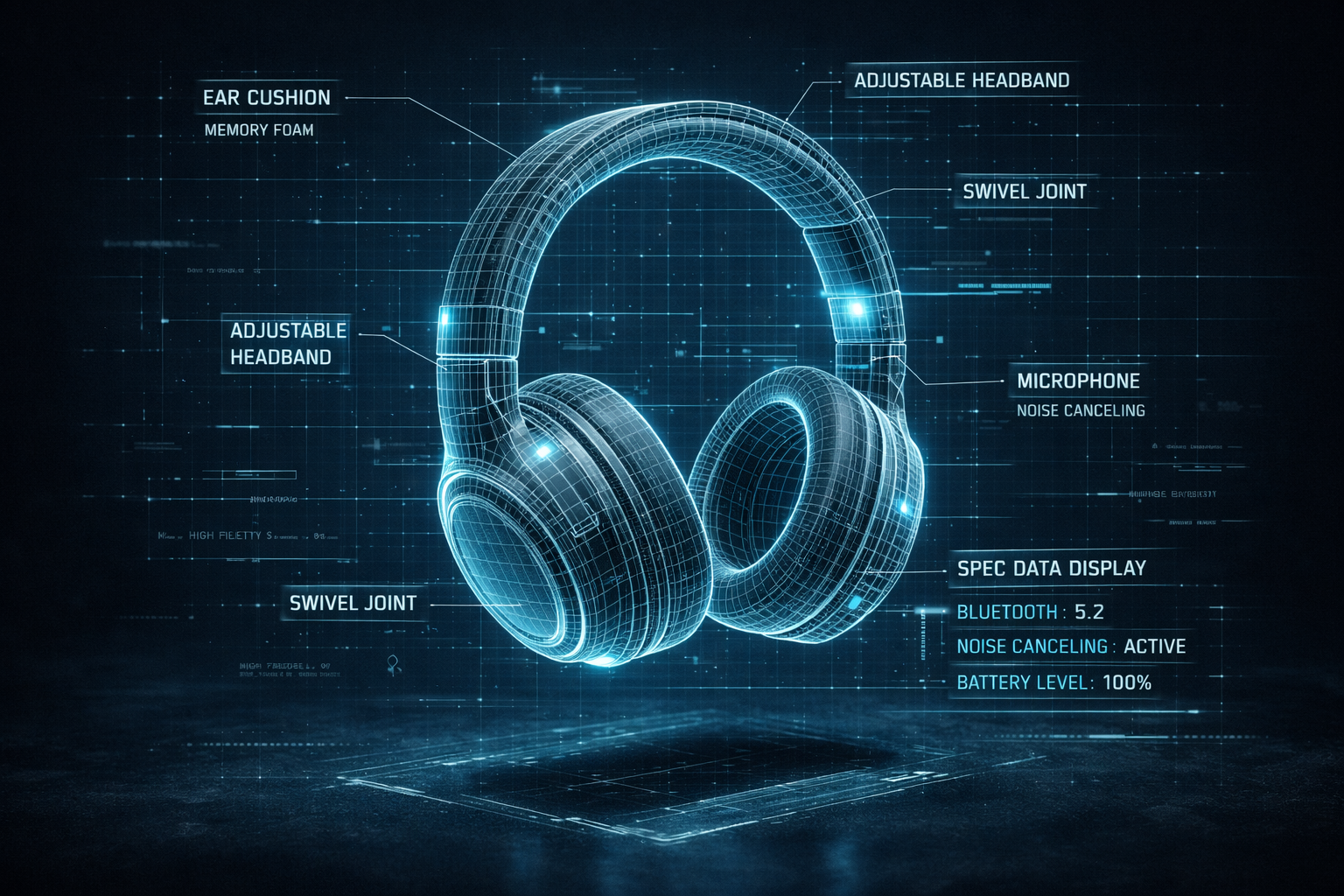
Turn product photos or concept sketches into detailed 3D models in minutes. Share interactive previews with your team and iterate before committing to production.
- Photo-to-3D model in under 2 minutes
- Reduce physical prototyping costs
- Share interactive models with stakeholders
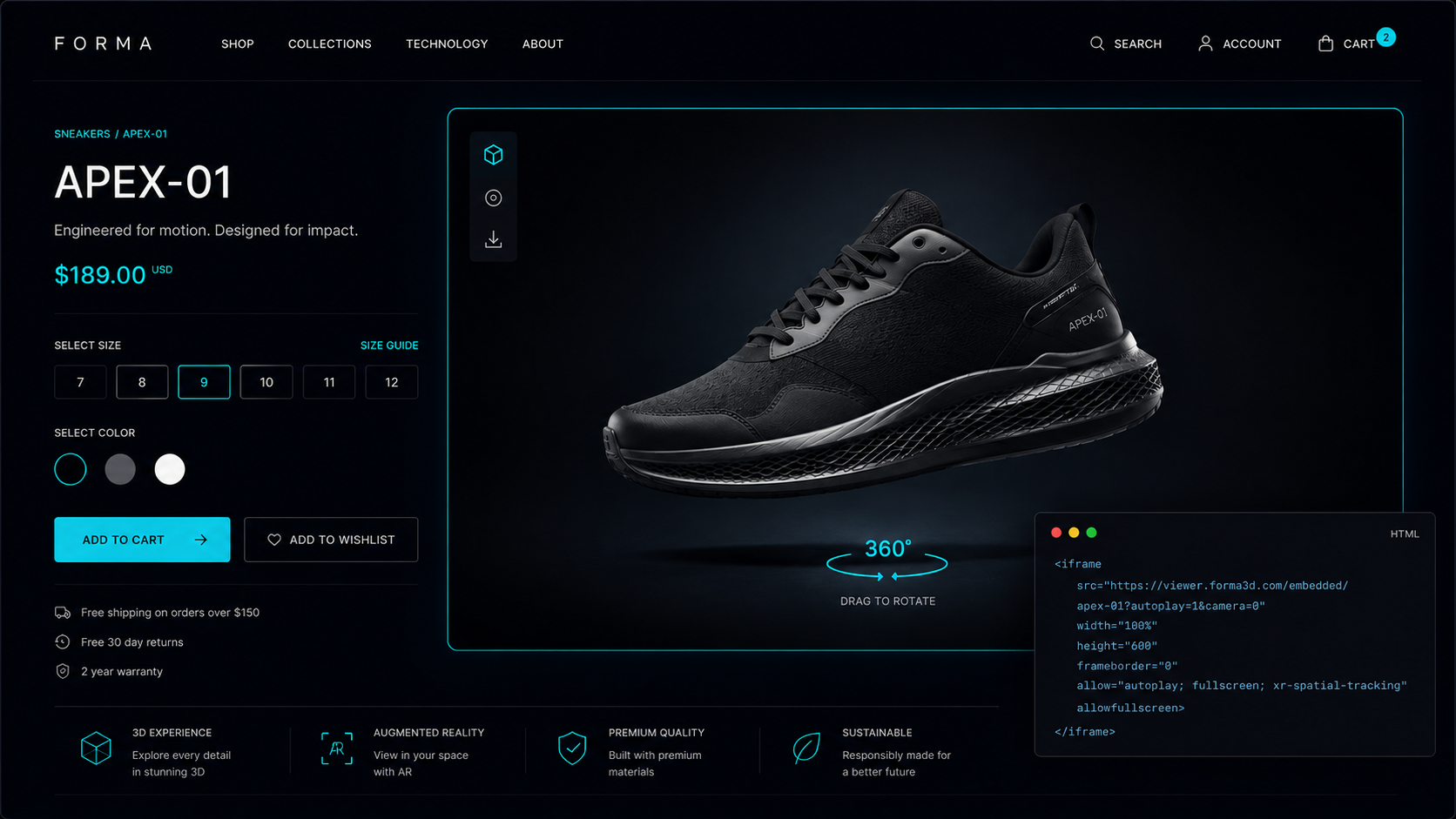
AI Image to 3D
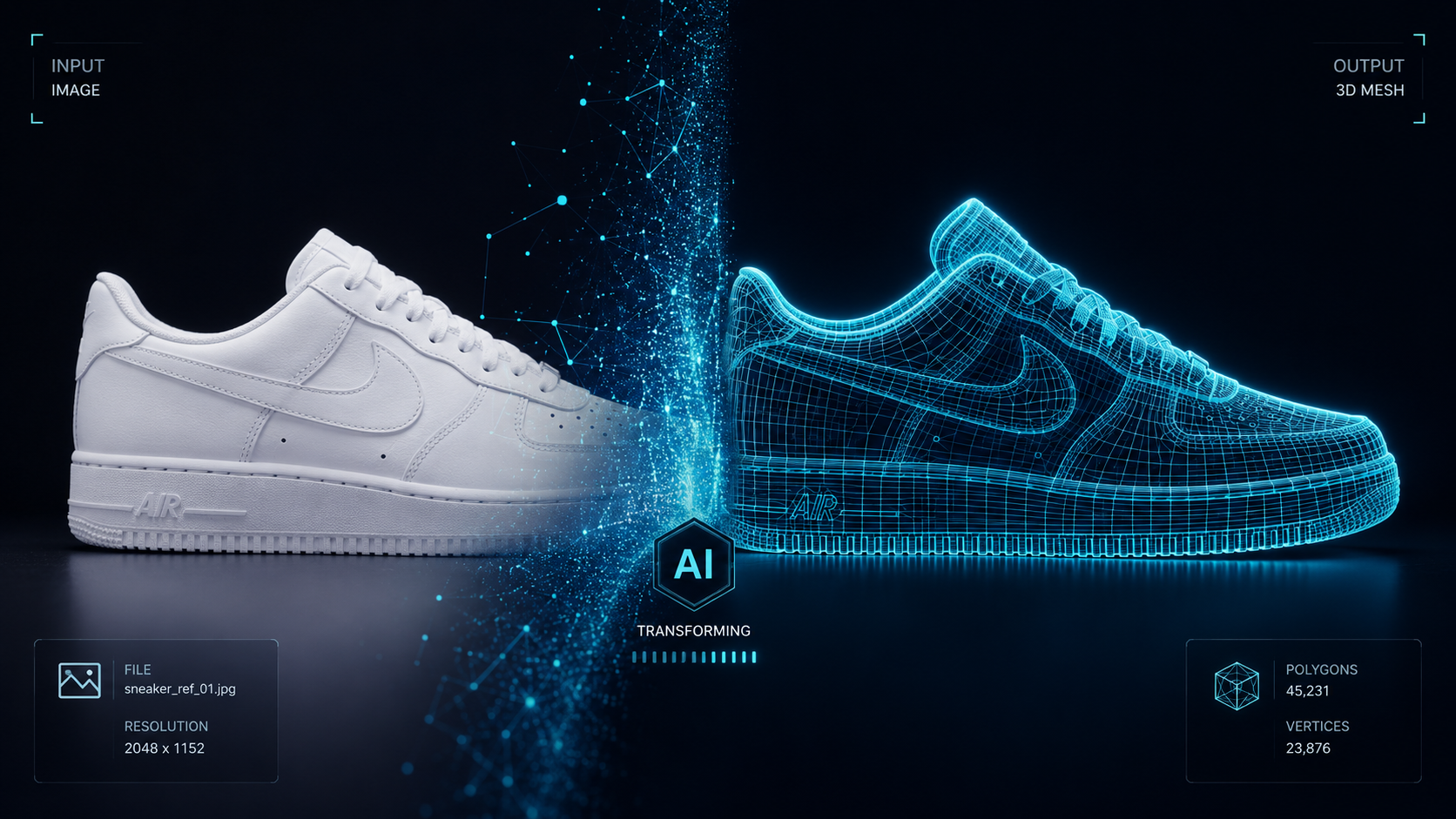
Upload a photo. Our AI generates a complete 3D mesh with accurate geometry in seconds.
Built-in WebGL editor
Refine your generated models in our browser-based 3D editor. Adjust materials, transform objects, and fine-tune your scene — no external tools needed.
PBR Texture Generation
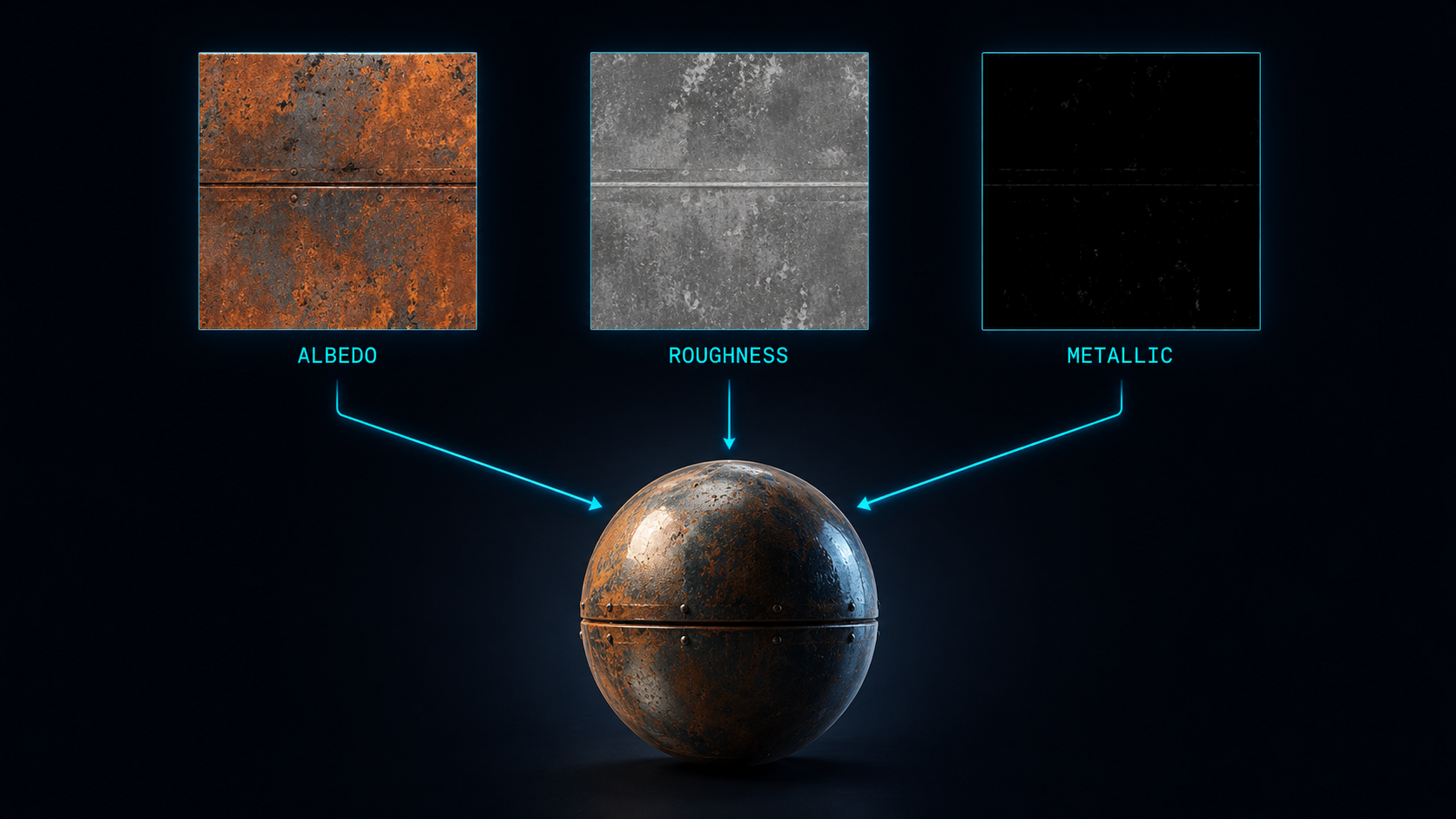
Albedo, roughness, and metallic maps baked and ready. Drop the GLB into Blender and it lights correctly from frame one.
Universal GLB Export
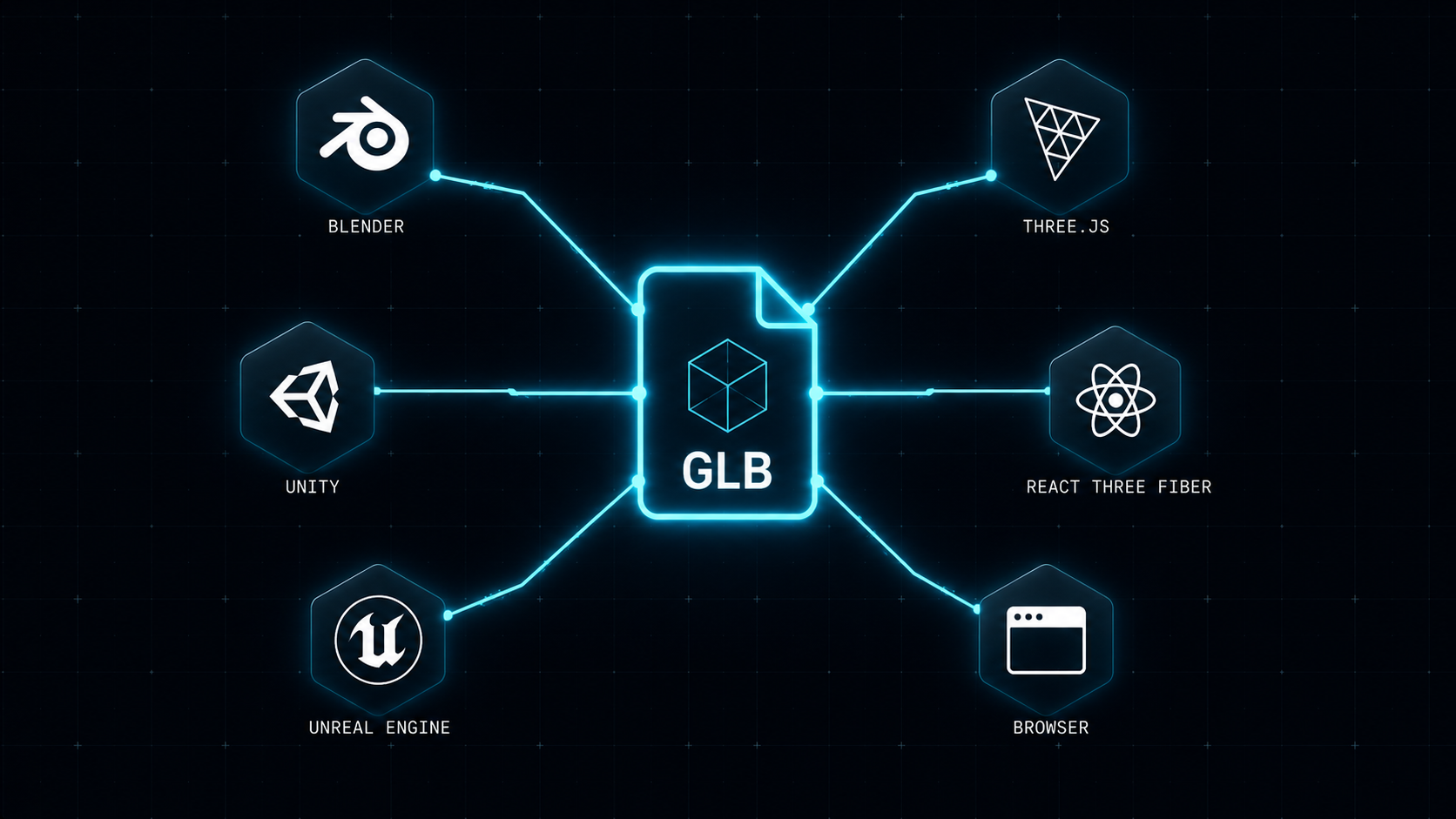
Blender, Unity, Unreal Engine, Three.js, React Three Fiber — one file works everywhere.
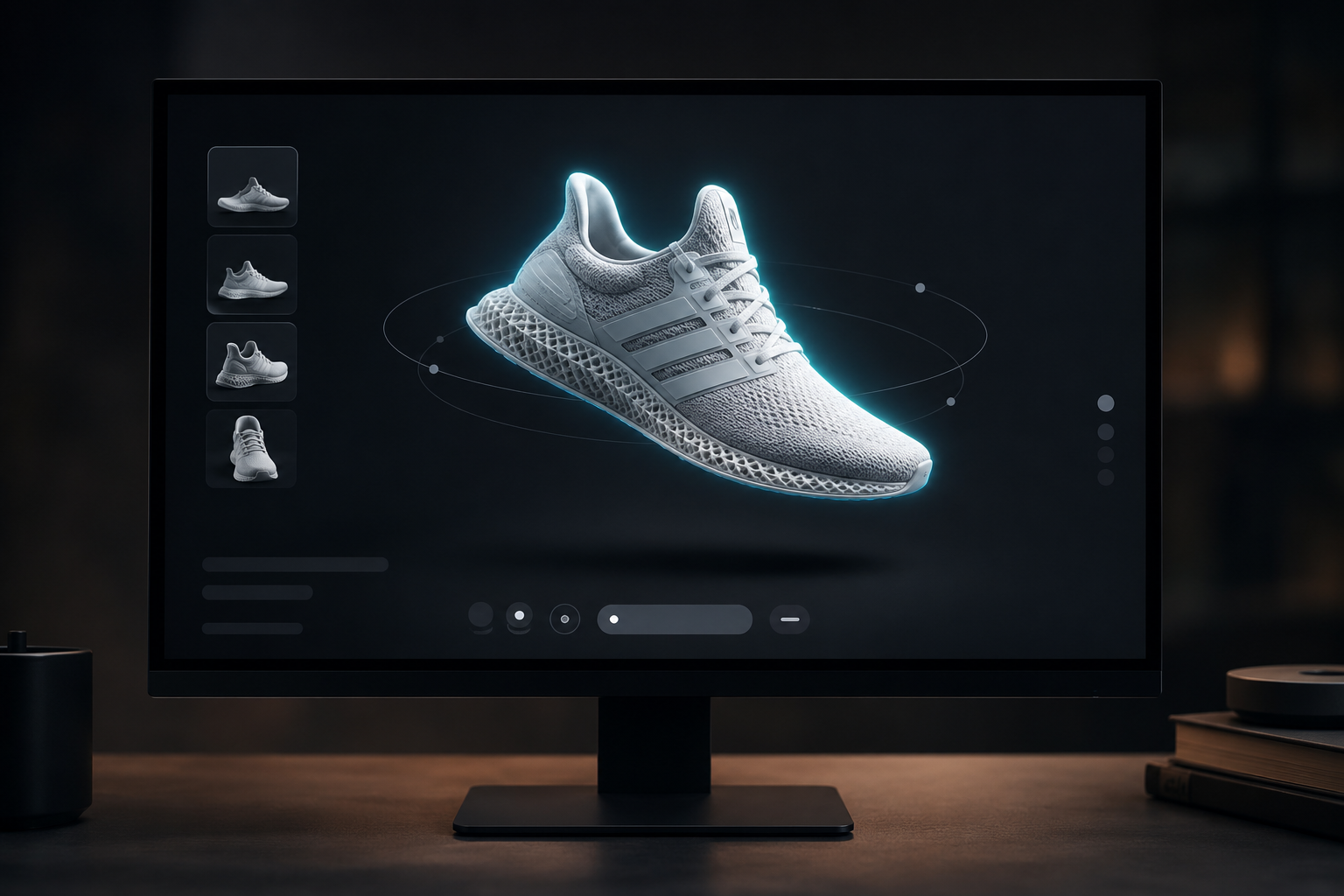
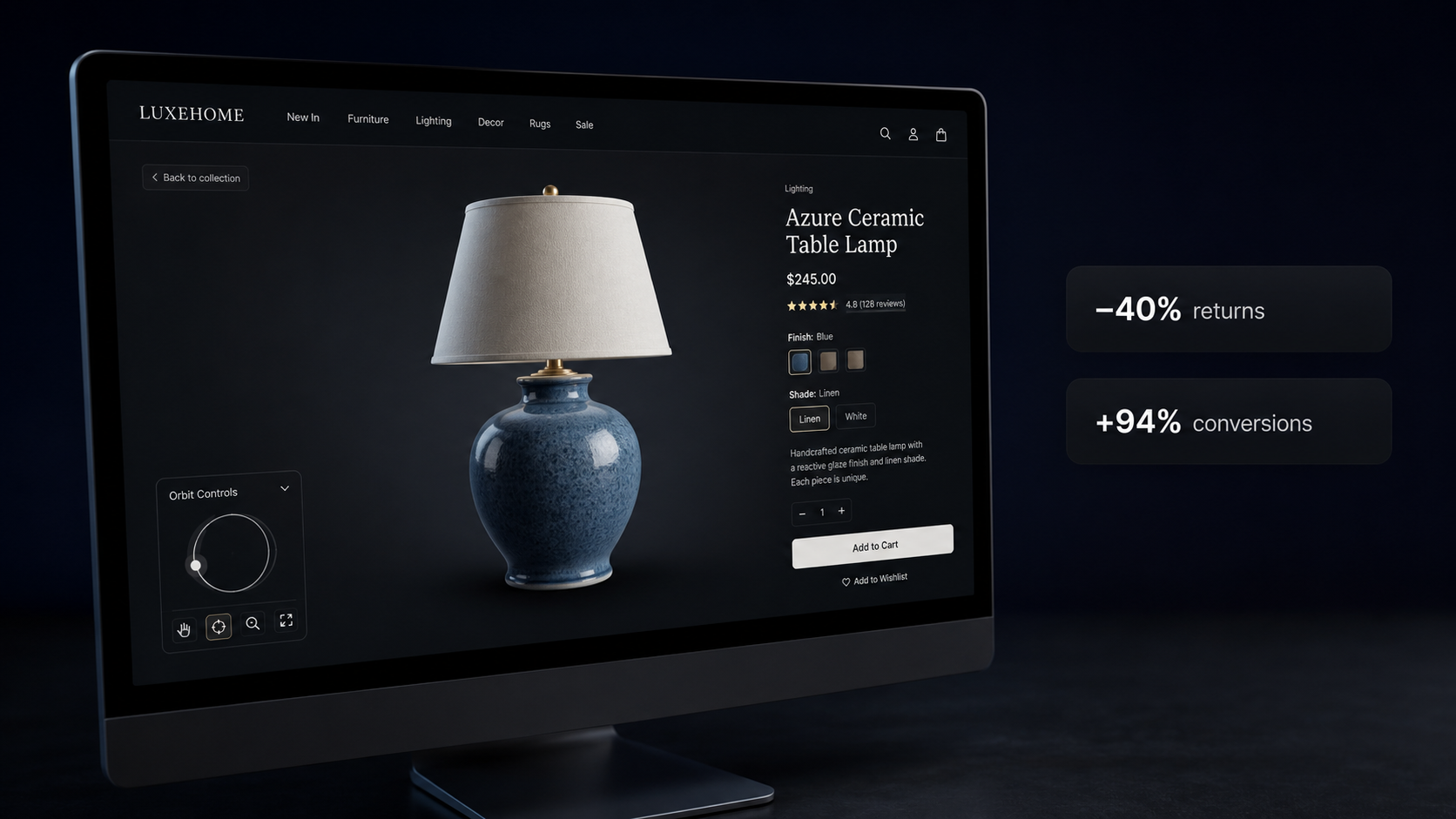
3d Viewer
Built in 3d viewer
Four steps. That's it.
Upload an image
Drop a photo of any object. Works with product shots, characters, architecture, or anything you can photograph.
AI generates in 3D
Our AI engine processes your image on dedicated GPU infrastructure — producing a detailed mesh and PBR texture maps in 60 to 120 seconds.
Design & refine
Open the generated model in our built-in 3D editor. Adjust materials, tweak geometry, transform objects, and fine-tune every detail right in the browser.
Preview & download
Inspect the final result in an interactive WebGL viewer. Rotate, zoom, pan. When ready, download the production-grade GLB file.
Latest articles
Guides, deep dives, and 3D workflow tips.
Generate & design your first 3D model.
No credit card · Free to start · Cancel any time
Frequently asked questions.
One generation = one completed 3D model — mesh plus full PBR texture maps. Credits are consumed only when a job finishes successfully. Failed jobs don't cost a credit.
Subscription credits (Creator, Studio, Scale) reset monthly. One-time credit packs never expire — they're yours indefinitely.
Yes. Monthly subscriptions can be cancelled at any time from your account settings. You retain full access until the end of the current billing period.
GLB and OBJ are fully supported. GLB is compatible with Blender, Unity, Unreal Engine, Three.js, and all major 3D platforms.
Single objects photographed against a plain background produce the best results. Supports JPG, PNG, and WEBP up to 10 MB.
Yes. The Scale plan includes API access. You can generate models programmatically and integrate 3D generation into your own pipeline.