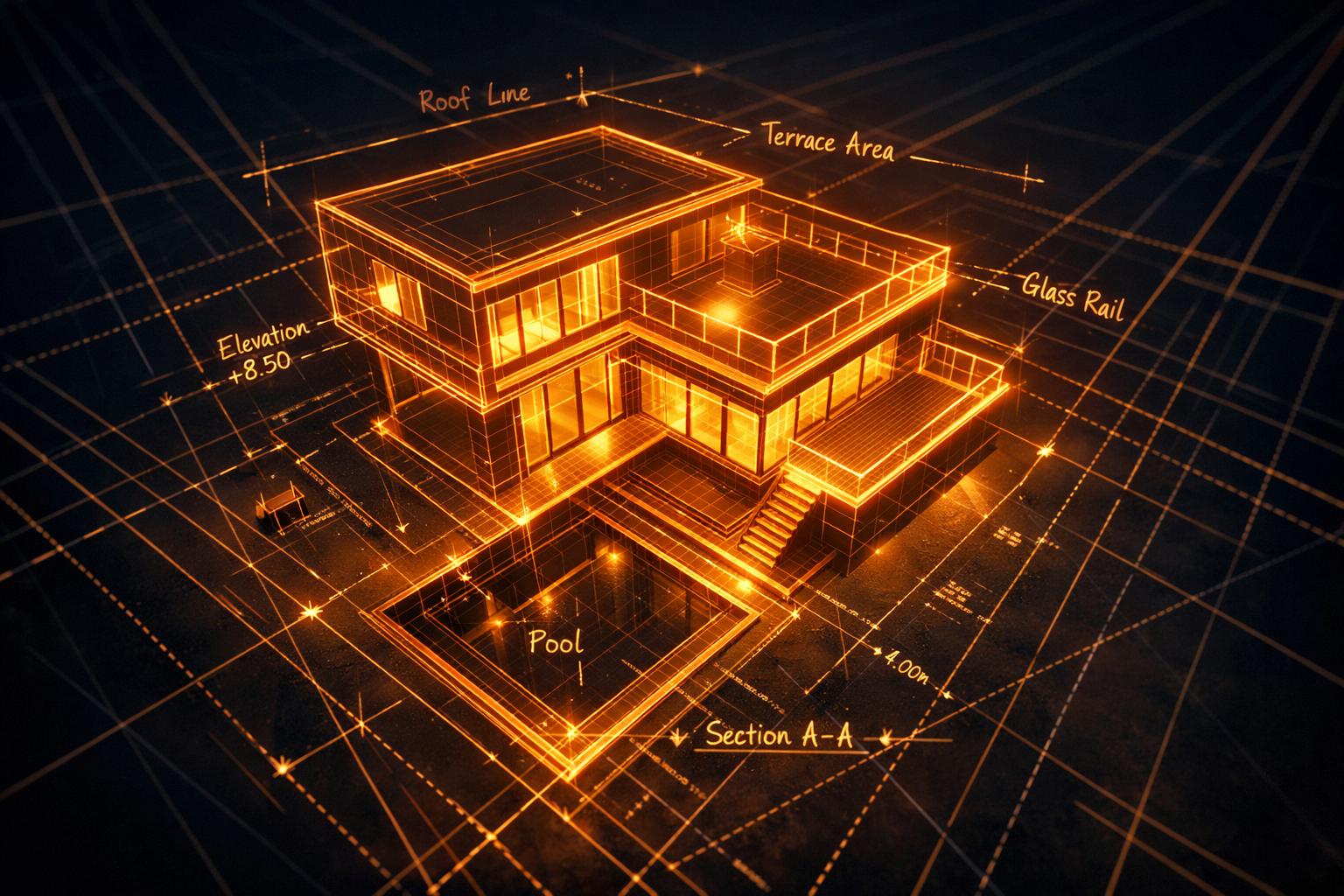
Architecture visualisation has traditionally required specialist 3D rendering teams and days of back-and-forth revisions. SphereLinks compresses that timeline by generating explorable 3D models from site photos, floor plan sketches, or reference images.
Present to clients with confidence. Iterate on spatial layouts without committing to expensive physical models or rendering pipelines.
Everything you need.
From photo to walkable 3D scene
Upload a site photo, floor plan sketch, or spatial reference. SphereLinks reconstructs a 3D model you can inspect from any angle.
Present to clients in real time
Share an interactive 3D preview with clients directly in the browser. No rendering wait times, no special software on their end.
Rapid iteration
Upload revised sketches to generate updated models. Compress weeks of design feedback into hours.
Integrate with BIM and CAD workflows
GLB output can be imported into common architectural tools for refinement. Use SphereLinks models as spatial massing studies or concept bases.
Interior and exterior references
Works with interior space photos, exterior building references, and architectural sketches. Handles both structural and decorative elements.
Reduce physical model costs
Replace early-stage physical models with digital 3D previews. Reserve physical prototyping for final, approved designs.
How it works.
Reference
Upload a site photo, floor plan, or architectural sketch.
Generate
AI reconstructs the spatial geometry and synthesises surface materials.
Present
Share the interactive 3D model with clients or your design team.
Export
Download the GLB for further refinement in Blender, Revit, or your pipeline.
Why teams choose SphereLinks.
For architecture workflows specifically.
- Accelerate early-stage spatial visualisation
- Present interactive 3D concepts to clients without specialist software
- Reduce costly physical model iterations
- Quickly generate massing studies from sketched floor plans
- Integrate with existing BIM and 3D rendering pipelines
Common questions.
What types of architectural references work best?
Clear photographs of building exteriors, interior spaces, or scanned floor plan sketches work well. The more defined the spatial boundaries in the image, the better the reconstruction.
Can I use the output in Revit or ArchiCAD?
SphereLinks exports standard GLB files. These can be imported into many architectural tools or converted to formats like FBX or OBJ for use in BIM software.
How accurate is the 3D geometry?
Generated models are best used as concept massing studies and client presentation tools. They are not dimensionally precise engineering models — use them for early-stage visualisation and stakeholder alignment.
Can I show clients the model without them installing software?
Yes. Share a link to any online GLTF viewer and clients can inspect the model in their browser with no installation required.
Our clients used to approve or reject a scheme based on a PDF with floor plans and a handful of still renders. Now we show up with something they can orbit and walk around mentally in the first meeting. Scope changes dropped because people understand space in 3D in a way they never do from a plan.
faster average client sign-off on initial spatial concept when presented as interactive 3D versus static renders, based on survey of 60 architecture firms using real-time visualisation tools
Architecture has a long-standing communication problem: the people who commission buildings read floor plans poorly, yet most early-stage design deliverables are precisely that. Interactive 3D models shift the conversation from technical abstraction to lived experience — clients respond to volume, proportion, and light in a way they cannot from a plan view. Early-stage 3D is not about precision; it is about legibility. When a client can rotate a massing model in their browser, 'I don't understand what I'm approving' disappears as a reason for a review cycle.