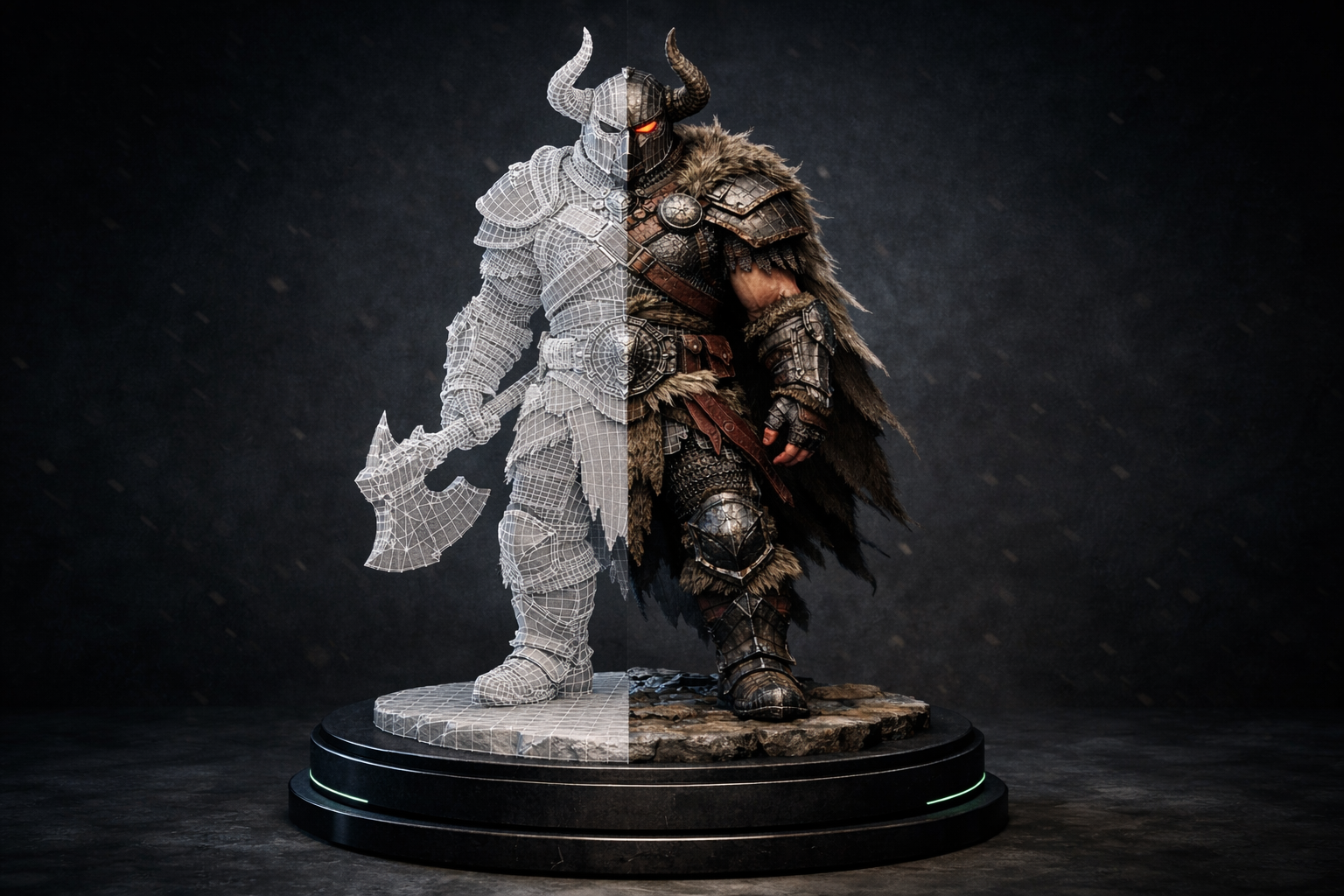
Building a game asset library the traditional way means weeks of modelling, UV unwrapping, and texture baking per asset. SphereLinks generates export-ready 3D props, characters, and environment objects from a single reference photo.
Drop them straight into Unity, Unreal Engine, Godot, or any GLB-compatible pipeline. Build entire asset libraries in hours instead of months.
Everything you need.
Export-ready GLB for any engine
Every generated asset exports as a GLB file that imports directly into Unity, Unreal Engine, Godot, Babylon.js, or Three.js — no conversion step required.
PBR textures included
Albedo, roughness, metallic, and normal maps are synthesised automatically. Real-time-ready materials baked in at generation time.
Optimised polygon counts
Meshes are automatically simplified for real-time rendering. Suitable for mid-poly game assets without manual topology cleanup.
Build asset libraries fast
Generate props, furniture, vehicles, vegetation, and objects at scale. Turn a photo library into a 3D asset library overnight.
Works from concept art
Upload concept sketches, reference boards, or even rough sketches. SphereLinks interprets the shape and reconstructs plausible 3D geometry.
Iterate without cost overhead
Need a variant? Upload a slightly different photo. Each generation takes under 2 minutes — faster than requesting a revision from an external artist.
How it works.
Reference
Upload a photo of the prop, character concept art, or environment reference.
Generate
SphereLinks reconstructs the 3D mesh with PBR textures in under 2 minutes.
Inspect
Preview the asset in the interactive WebGL viewer. Check geometry and materials.
Import
Download the GLB and drag it directly into Unity, Unreal, Godot, or your scene editor.
Why teams choose SphereLinks.
For game dev workflows specifically.
- Reduce asset production time from days to minutes
- Lower per-asset cost for environmental props and secondary objects
- Unblock solo developers and small teams from modelling bottlenecks
- Generate consistent asset variants from the same reference style
- Use as a base mesh for manual refinement in Blender or Maya
Common questions.
Are the polygon counts suitable for real-time games?
Generated meshes are automatically simplified and work well as mid-poly game assets. For very low-poly mobile targets, further reduction in Blender is recommended.
Can I generate character meshes?
Yes. SphereLinks works with character reference photos and concept art. Generated characters are best used as base meshes for further rigging and refinement.
What engines are supported?
Any engine or tool that imports GLB / GLTF files: Unity, Unreal Engine, Godot, Babylon.js, Three.js, Blender, and more.
Can I generate multiple variants of the same asset?
Yes. Upload different angles or slightly varied references to generate distinct variations quickly.
We used to budget three weeks of artist time to fill out the environmental props for a single level. Now we generate a first pass in an afternoon and spend the saved time on the hero assets that actually define the art direction.
average freelance cost to model, UV-unwrap, and texture a single mid-poly game prop — SphereLinks generates the same in under 2 minutes
For studios without dedicated environment artists, prop creation is a perpetual bottleneck: every rock, crate, and barrel that ships is time taken away from mechanics or narrative. AI-generated base meshes don't replace an artist's eye, but they do eliminate the geometry-and-UV groundwork — the portion of the job that is technically demanding yet creatively thin. Teams that adopt this workflow report their artists spending more hours on hero assets and hero moments, which is where the perceivable quality increase actually lives.